 listicle
Ntiva Alternative for Managed Services: 2026 Guide
Table of Contents
- Why Businesses Switch From Ntiva to Alternative Managed Service Providers
- Top Ntiva Alternatives for Managed IT Services
- VegaMSP: Secure-IT-In-The-Box with Unlimited Helpdesk Support
- ConnectWise RMM: Deep Integration for Established MSPs
- Datto RMM: Ransomware-Focused Cloud Solution
- NinjaOne: Intuitive Per-Device Pricing for Scaling Teams
- Syncro: Transparent Per-Technician Model with Unlimited Endpoints
- Atera: All-in-One RMM and PSA for Smaller MSPs
- Managed IT Services Pricing Models: Understanding Your Options
- How to Evaluate Managed Service Providers: Key Criteria
- Migration Complexity and Total Cost of Ownership Analysis
- Managed IT Services Checklist: What to Assess Before Switching
- Conclusion
Last Updated: August 8, 2026
Why Businesses Switch From Ntiva to Alternative Managed Service Providers
Switching managed service providers is never casual. Your IT infrastructure supports every operation your business runs, and changing vendors means managing migration risk, retraining staff, and potentially disrupting daily systems. Yet many businesses that started with Ntiva evaluate alternatives within 2-3 years.
Some discover their initial provider no longer matches their growth trajectory. Others hit pricing constraints as endpoint counts increase. Many find the support model or feature set no longer aligns with operational needs. At VegaMSP, we've worked with dozens of teams making this transition, and the pattern is consistent: they're looking for transparent pricing, proactive security, and support that actually responds when needed.
This guide walks you through top ntiva alternatives, pricing models that make sense at your scale, and evaluation criteria that separate a good fit from a costly mistake.
Top Ntiva Alternatives for Managed IT Services
VegaMSP: Secure-IT-In-The-Box with Unlimited Helpdesk Support
VegaMSP delivers a comprehensive managed services solution built on the principle that IT infrastructure should never be an operational bottleneck. The platform combines fully managed network services, strong endpoint security, and seamless VoIP integration, all underpinned by unlimited helpdesk support without artificial wait times or ticket limits.
The "Secure-IT-In-The-Box" delivery model bundles monitoring, security, and communication into a cohesive solution. Fully managed network services handle infrastructure monitoring and optimization. Endpoint security protects against ransomware, malware, and unauthorized access. VoIP integration eliminates managing voice communication separately from IT infrastructure.
The unlimited helpdesk support is the key differentiator. When your team needs help, they get it, no ticket limits or negotiated support hours. For growing businesses with unpredictable IT demands, this model eliminates downtime and enables scaling with confidence.
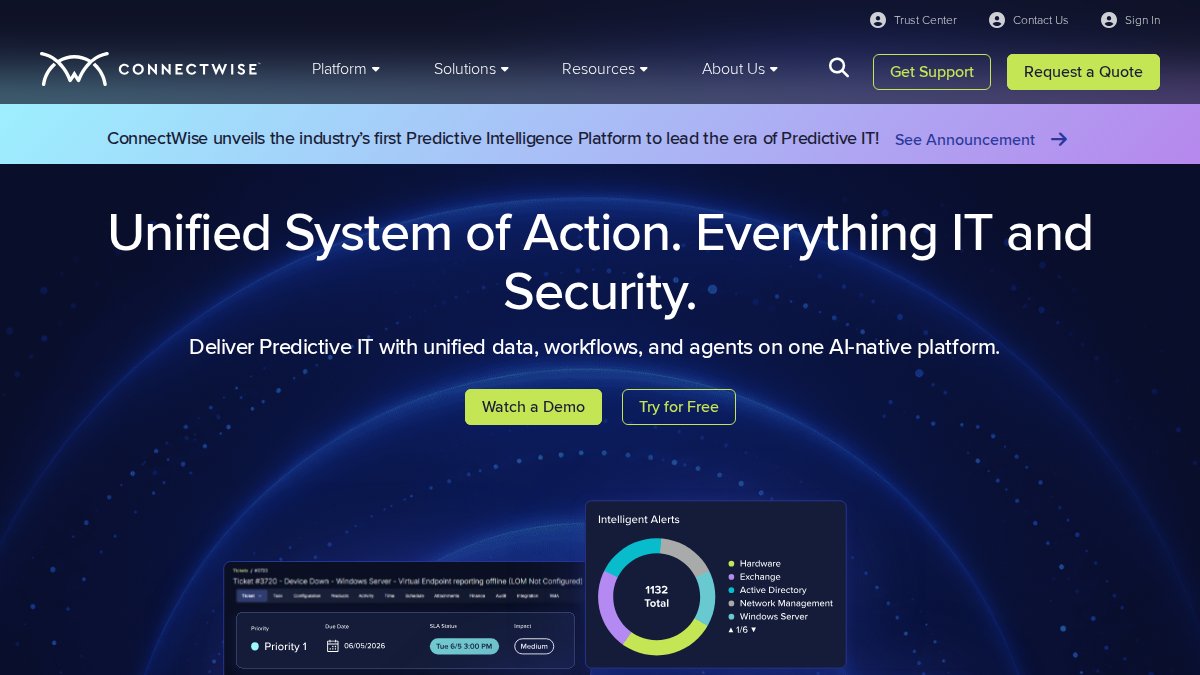
ConnectWise RMM: Deep Integration for Established MSPs
ConnectWise RMM targets MSPs and larger IT teams already invested in the ConnectWise ecosystem. If you're running ConnectWise PSA for service delivery and billing, RMM integrates directly into existing workflows with no data silos.
The platform delivers automated monitoring and alerting for endpoints and networks, patch management for operating systems and third-party applications, and remote access for troubleshooting. The scripting and automation engine codifies routine IT tasks, reducing manual intervention and improving consistency.
The core strength is ecosystem integration. The weakness is pricing opacity, ConnectWise requires custom quotes, making upfront budgeting difficult. The platform also has a steep learning curve.
Best for: MSPs already committed to ConnectWise who need deep automation across large client bases.
Datto RMM: Ransomware-Focused Cloud Solution
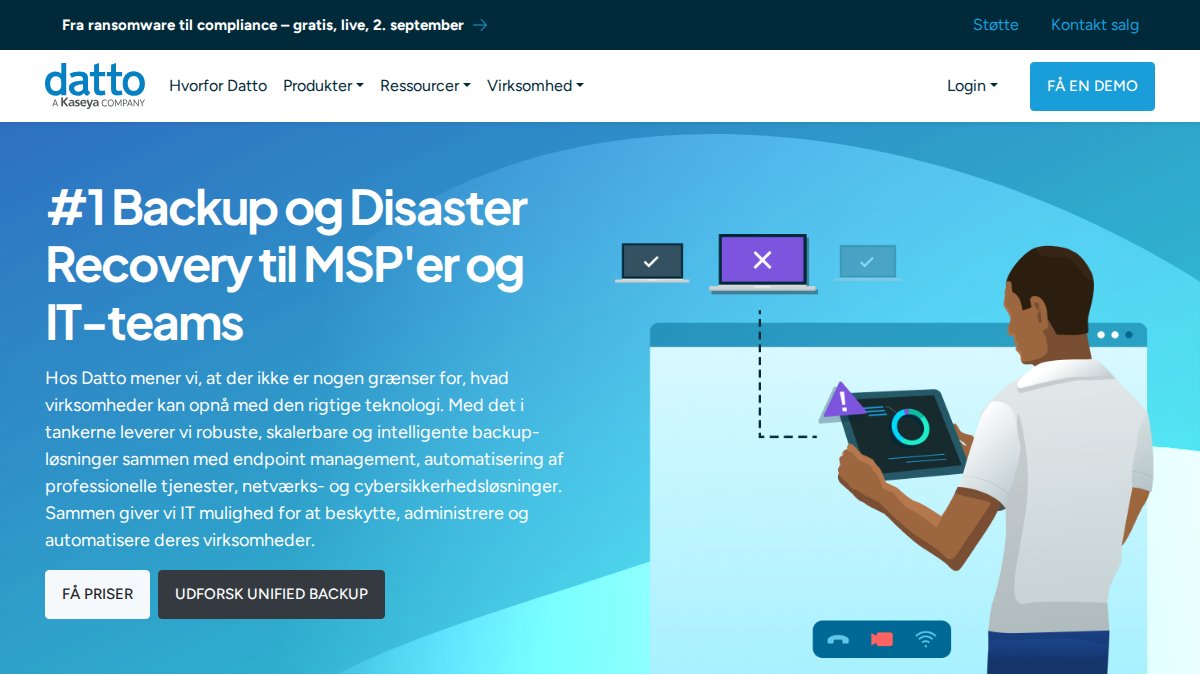
Datto RMM is built on cloud-native architecture with ransomware detection and response as a core differentiator. Pricing is transparent: $2.99 per endpoint per month with a $29.90 monthly minimum. The cloud-based architecture means no hardware to maintain and relatively fast deployment.
The ransomware detection capability is strong. Rather than waiting for traditional antivirus alerts, Datto identifies suspicious behavior patterns that precede ransomware deployment, preventing breaches before they cause damage.
The trade-off: Datto's feature set focuses more on security and patching than comprehensive IT operations management. If you need deep scripting or complex automation, you may find the platform constraining.
Best for: MSPs and IT teams prioritizing ransomware protection and seeking transparent, per-endpoint pricing.
NinjaOne: Intuitive Per-Device Pricing for Scaling Teams
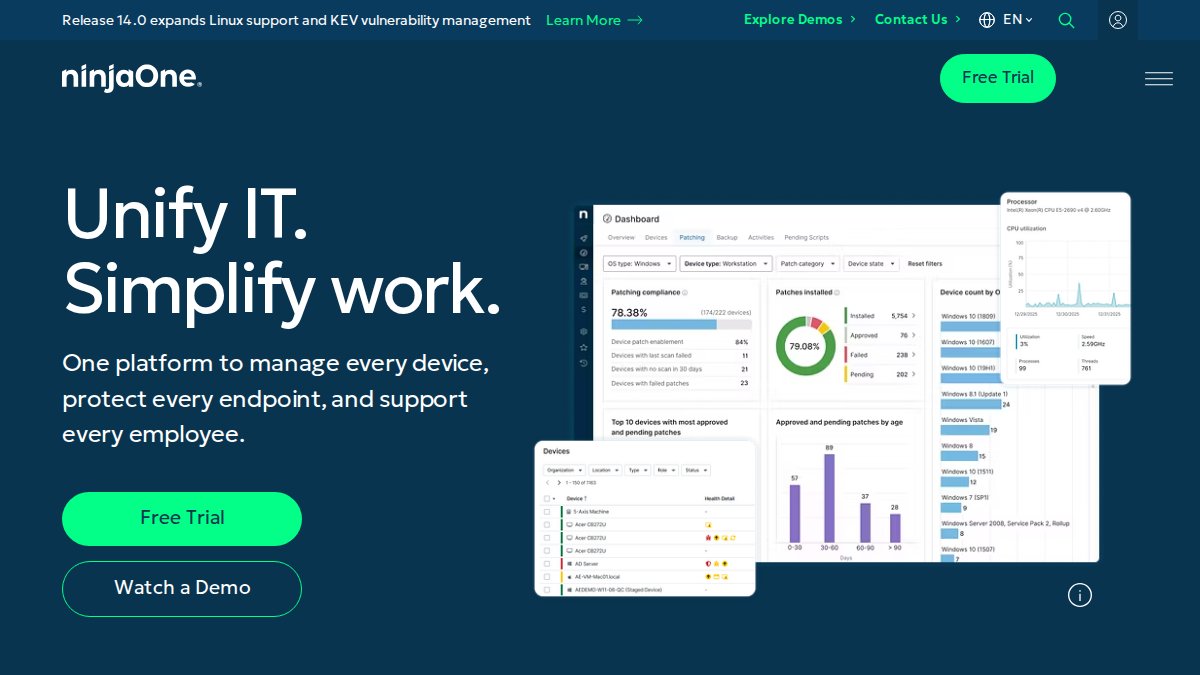
NinjaOne combines RMM, patch management, and remote access into a single interface designed for usability. Per-device pricing (approximately $1.50-$4 per device per month) appeals to teams scaling from 50 to 500+ endpoints because costs remain predictable.
The platform includes a ticketing system bundled with the base RMM SKU, eliminating the need for a separate helpdesk tool. Automated patch management covers Windows, macOS, and third-party applications. Remote access integrates with Splashtop or ConnectWise ScreenConnect.
NinjaOne's strength is ease of use and intuitive interface. The constraint: Backup, MDM, and documentation are sold as add-on modules, increasing total cost of ownership. The ticketing system is weaker than dedicated PSA platforms.
Best for: Small to mid-sized MSPs with 50-500 endpoints seeking intuitive, scalable RMM with transparent per-device pricing.
Syncro: Transparent Per-Technician Model with Unlimited Endpoints
Syncro combines RMM and PSA capabilities with transparent per-technician pricing ($129 per user per month, billed annually). The defining feature is unlimited RMM agents, monitor as many Windows and Mac devices as you want without per-device surcharges.
The unified RMM and PSA approach eliminates data silos. Monitoring data feeds directly into service tickets, and billing is automated based on actual work performed. The scripting engine is powerful for building complex automation workflows.
The per-technician model works well when endpoint count grows faster than team size. The trade-off: remote connection can be slower than competitors, and manual reconnection is required if a workstation restarts during a remote session.
Best for: Growing MSPs serving 50-200+ clients needing unified RMM and PSA with predictable per-technician costs.

Atera: All-in-One RMM and PSA for Smaller MSPs
Atera delivers an all-in-one RMM and PSA platform with per-technician pricing ($129 per month per technician, billed annually). The platform includes RMM capabilities, remote monitoring, automation, scripting, patch management for Windows, Mac, and Linux, plus helpdesk ticketing.
The per-technician model means unlimited endpoints. Remote access is handled through Anydesk and Splashtop. The base offering includes core capabilities without mandatory add-ons, though AI Copilot and Network Discovery are available as paid upgrades.
Atera's strength is comprehensiveness at a reasonable price point. The constraint: Some advanced features have migrated to higher pricing tiers in recent updates. For MSPs with a low endpoint-to-technician ratio, per-technician cost can exceed per-device alternatives.
Best for: Smaller MSPs with 20-100 clients seeking unified RMM and PSA with unlimited endpoints.
Managed IT Services Pricing Models: Understanding Your Options
Pricing models have evolved significantly, and the right model depends on your client mix and growth trajectory.
Per-endpoint pricing charges based on monitored devices. Datto ($2.99 per endpoint per month) and NinjaOne ($1.50-$4 per device per month) use this model. It works well for stable device counts across few clients. The limitation emerges as you scale: adding 100 endpoints means proportional cost increases.
Per-technician pricing charges based on staff managing infrastructure. Syncro ($129 per user per month) and Atera ($129 per technician per month) use this approach. You're rewarded for scaling your client base because team size grows more slowly than endpoint count. The trade-off is paying for team capacity regardless of use.
Quote-based pricing is used by ConnectWise RMM, Kaseya VSA, and SolarWinds RMM. These platforms require custom quotes based on your environment and requirements. The advantage is customization; the disadvantage is budgeting uncertainty.
VegaMSP emphasizes fully managed services with unlimited helpdesk support, eliminating artificial constraints of per-endpoint or per-ticket models.
The decision framework: if endpoint count grows faster than your team, per-technician pricing favors you. If your client base is stable, per-endpoint pricing may be more economical. If you need custom integration, quote-based platforms offer flexibility at the cost of transparency.
How to Evaluate Managed Service Providers: Key Criteria
Evaluating an ntiva alternative requires assessing technical capabilities, support quality, and financial sustainability.
Service level agreements (SLAs) define provider accountability. What's the guaranteed uptime percentage? What's the average response time for critical incidents? How are SLAs enforced? Ask for written SLAs before signing.
Proactive monitoring capabilities separate reactive break-fix from managed services. Can the platform detect anomalies before they become incidents? Does it monitor network traffic, CPU use, disk space, and security events simultaneously? A good provider catches 80% of problems before your team notices them.
Cybersecurity posture is non-negotiable. What endpoint protection is included? Does the platform detect ransomware behavior or just known malware signatures? Is threat detection real-time? Ask for specific examples of threats detected in the past 90 days.
Integration with existing systems matters more than anticipated. Audit every integration your current systems depend on and verify your ntiva alternative supports them, or plan for rebuilding them.
Support responsiveness is where many providers fail. Ask for documented response times, not promises. Request references from current customers and specifically ask about support quality during high-incident periods.

Scalability determines whether your provider grows with you. Can the platform handle 10x your current endpoint count without degradation? Does pricing scale linearly or hit cost cliffs? A good provider benefits from your success.
Vendor stability is often overlooked. Is the provider profitable? Are they adding features or cutting them? A managed service provider that goes out of business creates massive operational disruption.
Migration Complexity and Total Cost of Ownership Analysis
Switching managed service providers isn't just comparing feature lists. The migration carries risk, and total cost of ownership extends beyond the monthly bill.
Migration risk is real. Your current provider has documented your network topology, security policies, and system configurations. Moving means transferring that knowledge, often manually. Incomplete transfers lose visibility into infrastructure parts.
A typical migration involves auditing current infrastructure, documenting systems and configurations, exporting data from your current platform, importing into the new platform, validating monitoring, and testing failover procedures. For a 100-endpoint environment, this typically takes 2-4 weeks of active work.
Downtime risk is the hidden cost. Even with careful planning, migrations occasionally cause brief outages. Critical systems might lose monitoring for hours. A managed service provider should have a detailed migration plan with rollback procedures and 24/7 monitoring during transition.
Training and onboarding require staff time. Your team needs to learn the new platform's interface, understand how alerts work, and adjust incident response procedures. Budget 20-40 hours of training for a small IT team.
Total cost of ownership includes monthly service fees, migration costs, training, and downtime risk. For many businesses, monthly savings are offset by migration costs in the first 6-12 months.

The break-even calculation is essential. If you're saving $500 per month by switching but migration and training cost $5,000, you'll break even after 10 months. If the switch causes a 2-day outage costing $10,000 in lost productivity, the economics change entirely.
VegaMSP's comprehensive approach provides value by bundling network services, endpoint security, and VoIP integration. Instead of moving RMM from one vendor and PSA from another, you consolidate everything into a single platform, reducing complexity and migration risk.
Managed IT Services Checklist: What to Assess Before Switching
Before committing to an ntiva alternative, work through this assessment framework.
- Incident response time: Request documented response times for critical incidents. Verify these times in writing before signing.
- Helpdesk availability: Confirm hours of operation and whether support is 24/7/365 or business hours only.
- SLA coverage: Review the service level agreement in detail. What's covered? What's excluded? What are penalties for missing SLAs?
- Security capabilities: Request a detailed security assessment. What endpoint protection is included? Ask for a recent security incident report showing detected threats.
- Integration compatibility: Audit every integration your current systems depend on. Verify your ntiva alternative supports each one.
- Pricing transparency: Confirm pricing is fixed and understand what triggers increases. Ask about price lock periods and contract terms.
- Migration support: Request a detailed migration plan in writing. What's included? What's your responsibility? What's theirs? What's the rollback procedure?
- Vendor references: Request contact information for at least three current customers in your industry. Ask about support quality and migration experience.
- Data portability: Confirm you can export your data if you switch providers in the future.
- Compliance requirements: If in a regulated industry, verify the provider meets your compliance obligations (HIPAA, PCI-DSS, SOC 2).
- Scalability limits: Ask about platform limits. How many endpoints can it monitor? What happens if you exceed those limits?
- Training and onboarding: Confirm what training is included. How many hours of onboarding support does the provider offer?
Conclusion
Choosing an ntiva alternative requires balancing technical capabilities, pricing transparency, and support quality against migration complexity and total cost of ownership. Platforms like VegaMSP, Syncro, Atera, and NinjaOne each offer distinct advantages depending on your business size and operational priorities.
VegaMSP stands out by combining fully managed network services, strong endpoint security, seamless VoIP integration, and unlimited helpdesk support into a cohesive "Secure-IT-In-The-Box" solution. This comprehensive approach eliminates downtime, enables you to scale with confidence, and ensures your IT infrastructure supports, rather than constrains, your business growth. Get started with VegaMSP and transform your managed IT services from a cost center into a competitive advantage.
Frequently Asked Questions
What are the main reasons to switch from Ntiva to a different managed service provider?
Businesses switch managed service providers for several reasons: better pricing transparency, superior proactive monitoring capabilities, stronger cybersecurity posture with threat detection, more flexible contract terms, and improved incident response times. Some companies also seek providers with better integration for specific tools like VoIP or CRM systems. Evaluating your current service level agreement and comparing response times and system uptime guarantees helps identify if a switch makes financial and operational sense.
How do I calculate the total cost of ownership when comparing managed IT services pricing models?
Total Cost of Ownership includes the base monthly fee (per-device, per-technician, or per-user), add-on modules like backup and recovery, endpoint management, and managed security services. Factor in implementation costs, data migration expenses, and training for your team. Compare break-fix support costs under your current model versus the all-inclusive managed services approach. Request detailed quotes from alternatives showing exactly what's included and what costs extra, then calculate annual spend to make an accurate comparison.
What should be included in a managed IT services checklist before making a switch?
Your checklist should cover: service level agreements and uptime guarantees, proactive monitoring and remote monitoring capabilities, help desk support availability and response times, endpoint management and patch management features, cybersecurity and threat detection services, cloud migration and integration services, vendor management support, and compliance standards they maintain. Also verify their vCIO services for IT strategy, confirm they can handle your network infrastructure complexity, and assess their IT consulting capabilities for your industry-specific needs.
How long does it typically take to migrate from one managed service provider to another without downtime?
Migration timelines vary based on your IT infrastructure complexity, number of endpoints, and data volume. A typical migration takes 2-6 weeks for small to mid-sized businesses (10-250 employees). The process includes planning your IT roadmap, backing up existing data, configuring new systems, testing integrations, and gradual cutover of services. Experienced providers handle this through phased rollouts to minimize business continuity risks. Request a detailed migration plan upfront that shows how they'll maintain system uptime and avoid operational efficiency losses during transition.
This article was written using GrandRanker