 ultimate-guide
IT Helpdesk Support for 20 Employees: In-House vs. Outsourced
Table of Contents
- What IT Helpdesk Support Looks Like for a 20-Person Team
- Levels of Technical Support: Tier 1, 2, and 3 Explained
- IT Support Staffing Ratios for Small Business
- In-House vs. Outsourced: Which Model Works for Your Team
- Managed IT Services Pricing for Small Business
- Small Business IT Support Checklist: What to Evaluate
- Common IT Support Challenges and How to Address Them
- Conclusion
Last Updated: August 15, 2026
What IT Helpdesk Support Looks Like for a 20-Person Team
IT helpdesk support for 20 employees is fundamentally different from what larger organizations need. At this scale, you're managing a lean operation where every team member depends on reliable technology to do their job, but you don't have the budget or headcount to justify a dedicated IT department. The reality is that a 20-person company needs responsive technical support that can handle everything from workstation setup to network troubleshooting without requiring multiple staff members or long wait times.
For a team of this size, IT helpdesk support typically encompasses user support across all devices and systems, incident resolution that keeps downtime minimal, and proactive system maintenance to prevent problems before they happen. Unlike larger enterprises with tiered support structures and specialized roles, a 20-person operation usually needs generalist technical assistance that covers hardware, software, connectivity, and security in one unified service.
The challenge at this scale is finding a support model that's affordable but not compromised. Many small businesses try to handle IT internally with a part-time administrator or ask an existing employee to manage technology alongside their main role. This approach creates bottlenecks: when that person is unavailable, technical issues pile up. Others try break-fix support where they pay only for problems after they occur, which leads to reactive crisis management instead of preventive care.
VegaMSP addresses this by providing unlimited helpdesk support as part of a fully managed service, eliminating the staffing dilemma entirely. Instead of hiring someone or gambling on break-fix, you get dedicated technical assistance integrated with network management and endpoint security. For a 20-person team, this means your employees get rapid response when they need help, while your business stays protected and operational.
Levels of Technical Support: Tier 1, 2, and 3 Explained
Technical support is typically organized into three escalation levels, each handling increasingly complex issues. Understanding these tiers helps you evaluate whether a support provider can actually solve problems or just shuffle them between departments.
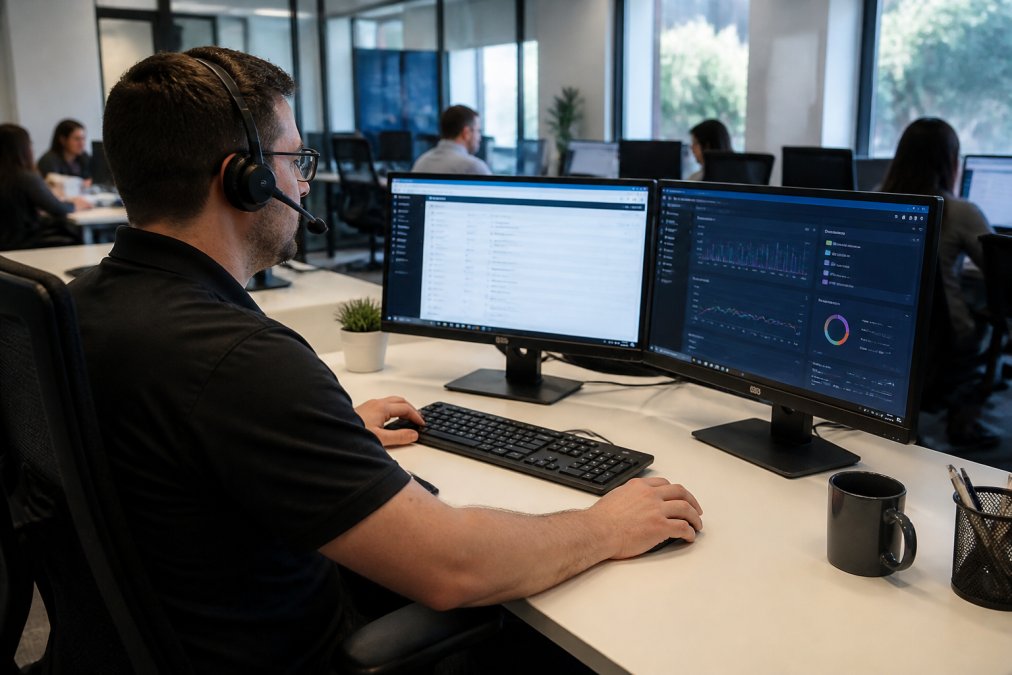
Tier 1 support is the frontline. These are the technicians who take your initial call or ticket. They handle password resets, basic connectivity troubleshooting, software installation, and printer configuration. Tier 1 resolves roughly 60-70% of issues without escalation. Response time at this level matters because simple problems shouldn't require hours of waiting. For a 20-person team, Tier 1 availability during your business hours is non-negotiable.
Tier 2 support handles what Tier 1 can't solve. When a Tier 1 technician diagnoses a deeper issue, a network configuration problem, a server error, or a security incident, they escalate to Tier 2. These technicians have more specialized knowledge and can dig into system logs, modify network settings, and troubleshoot across multiple systems. They typically have 24-48 hours to resolve issues, though critical problems get faster attention. For small businesses, Tier 2 escalation should feel seamless, not like you're being transferred to a different company.
Tier 3 support is specialized expertise. This is where vendor relationships, security incident response, and architectural decisions happen. For most 20-person teams, Tier 3 involvement is rare, maybe once or twice a year for a major incident or infrastructure upgrade. But when you need it, you need it fast. Some providers outsource Tier 3 to vendors; others maintain in-house expertise. The difference matters when you're experiencing a breach or a critical system failure.
The quality of your IT helpdesk support for 20 employees depends heavily on how well these tiers communicate. A provider where Tier 1 actually understands Tier 2 capabilities and escalates appropriately saves you time and frustration. A provider where Tier 1 is just a call center reading scripts becomes a bottleneck.
IT Support Staffing Ratios for Small Business
How many IT staff do you actually need? The answer depends on your support model, but understanding the baseline helps you evaluate whether a provider is understaffed or whether hiring internally makes sense.
Traditional IT support staffing ratios suggest one full-time IT administrator per 50-75 users for break-fix support. That means a 20-person company would need roughly 0.3 FTE (full-time equivalent) of IT staff. In practice, this is why small businesses either hire a part-time person or ask someone else to handle it. But that ratio assumes reactive support, you're fixing problems after they happen.
Managed IT services operate under different staffing models because they combine helpdesk support with proactive monitoring and maintenance. A managed services provider serving 20-person companies typically allocates staff differently: fewer people per customer because automation handles routine tasks, but more expertise per person because they're not just taking tickets. Monitoring tools catch issues before users notice them, which means less emergency support overall.
For your 20-person team specifically, you need to ask: Is support staffed to handle your peak hours? Can they respond to critical issues same-day? Are they covering nights and weekends or just business hours? A provider with unlimited helpdesk support should have capacity to respond quickly during your business hours and handle after-hours emergencies without making you wait until Monday.
The hidden cost of understaffing is downtime. When your IT support team is stretched thin, a simple issue takes hours instead of minutes. Multiply that across 20 employees and you're losing productivity that costs far more than the support service itself.
In-House vs. Outsourced: Which Model Works for Your Team
The decision between hiring an in-house IT administrator and outsourcing to a managed services provider comes down to cost, capability, and focus.
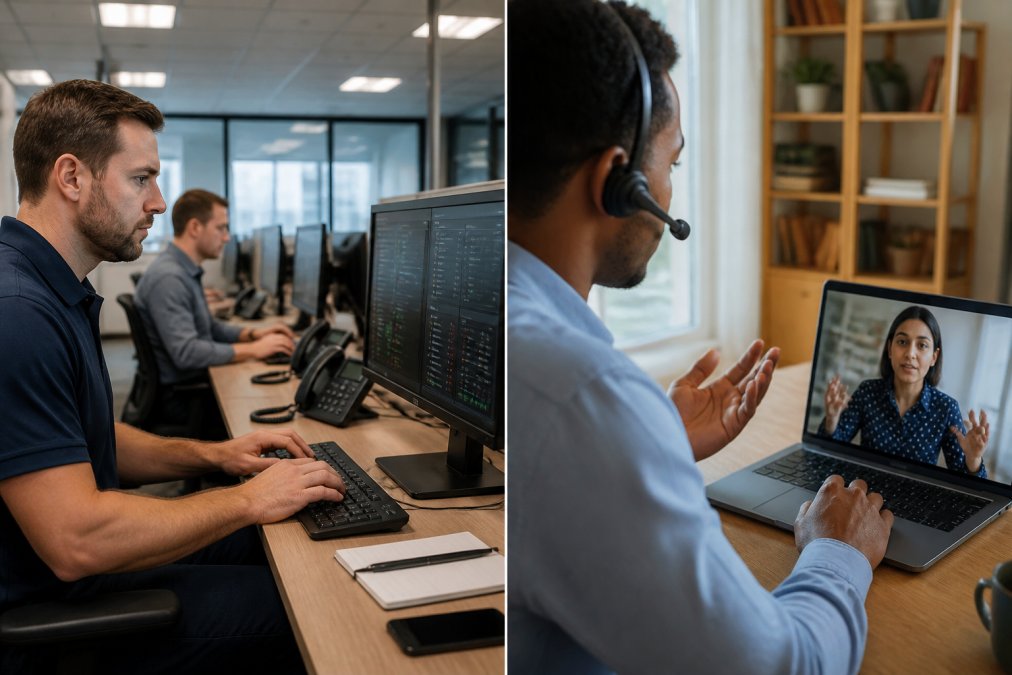
In-house IT support means hiring a part-time or full-time employee dedicated to your technology. The advantage is continuity, one person knows your systems deeply, your culture, and your specific workflows. They can prioritize based on your business needs rather than following a generic ticketing queue. The disadvantages are significant: you're paying salary and benefits for someone who may be underutilized, you have no backup when they're sick or on vacation, and you're limited to their skill level. A single IT person can't be an expert in everything. If you need specialized help, security incident response, network redesign, compliance consulting, you're hiring outside help anyway.
Outsourced IT support through a managed services provider shifts the burden to an external team. You pay a monthly fee and get access to multiple technicians, broader expertise, and 24/7 coverage. The trade-off is less personal continuity and the need to communicate issues through a ticketing system. You don't get to hand-pick your support person. But you do get redundancy: if one technician is busy, another handles your issue.
For a 20-person team, the math usually favors outsourced support. Hiring a full-time IT person costs roughly 60,000-75,000 annually in salary plus benefits, equipment, and training. Outsourced managed IT services for a team your size typically cost less than that and include network monitoring, endpoint security, and proactive maintenance alongside helpdesk support. You also eliminate the risk that your one IT person leaves and takes critical knowledge with them.
The hybrid approach, outsourced helpdesk support combined with an internal person handling specific projects, works for some companies. But this requires clear boundaries: the internal person handles projects and policy, the external team handles day-to-day support. VegaMSP's unlimited helpdesk support model works well in this scenario because you're not constrained by support hours or ticket limits.
Managed IT Services Pricing for Small Business
Managed IT services pricing for small business varies widely based on what's included, but understanding the structure helps you evaluate whether a provider is a good fit.
Most providers charge per-user-per-month (PUPM) pricing, typically ranging from $80-$150 per employee monthly depending on service level and included features. For a 20-person team, that's $1,600-$3,000 monthly. This usually includes helpdesk support, monitoring and maintenance, basic endpoint security, and some level of backup and recovery.
What's NOT always included matters as much as what is. Some providers charge extra for remote access tools, advanced security features, data backup, or after-hours support. Others bundle everything into one price. The cheapest option often has hidden costs: limited support hours, slow response times, or additional fees for common requests.
When evaluating pricing, compare total cost of ownership, not just the monthly fee. A provider charging $150 PUPM with unlimited support and included security may be cheaper than one charging $80 PUPM but nickel-and-diming you for everything else. Ask specifically about response time guarantees, what happens after hours, whether monitoring is included, and what security tools are part of the base service.
For IT helpdesk support for 20 employees specifically, watch out for minimum commitments. Some providers require a minimum contract value that assumes you have more users than you do. Others have true per-user pricing with no minimums. Your 20-person team shouldn't subsidize pricing built for 50-person companies.
Small Business IT Support Checklist: What to Evaluate
Before committing to any IT support provider or hiring internally, use this checklist to ensure you're getting what you actually need.
Support availability and response time:
- Is support available during your business hours? After-hours?
- What's the response time for critical issues vs. routine requests?
- How do you report issues, phone, email, ticketing system, or all three?
- Is there a dedicated contact or do you work with whoever's available?
Technical capability:
- Can they handle your specific systems and software?
- Do they have expertise in security, networking, and infrastructure or just helpdesk tickets?
- What's their approach to proactive maintenance vs. reactive support?
- Do they have vendor relationships for escalations?
Security and compliance:
- What security measures are included in their service?
- Do they handle backups and disaster recovery?
- Are they familiar with any compliance requirements your industry has?
- How do they handle security incidents?
Scalability:
- Can they support your team if you grow to 30 or 50 people?
- Is pricing flexible or locked into long-term contracts?
- How quickly can they onboard new users or devices?
Communication and reporting:
- Do they provide regular updates on system health?
- Can you see ticket status and history?
- How often do they review what's working and what isn't?
Continuity:
- What happens if your primary contact leaves?
- Is there documented knowledge of your systems or does it live in one person's head?
- What's their client retention and staff turnover like?
Common IT Support Challenges and How to Address Them
Every small business IT operation faces predictable problems. Knowing what to watch for helps you choose a support provider that can actually handle them.
Slow response times are the most common complaint. Your employee can't access email, and support doesn't respond for hours. This happens when providers overcommit, they're supporting too many customers with too few staff. The fix is clear SLAs: what's the guaranteed response time for critical vs. routine issues? For a 20-person team, critical issues should get attention within an hour during business hours. If a provider can't commit to that, they're understaffed.
Lack of proactive maintenance leads to preventable outages. Systems fail because patches weren't applied, backups weren't tested, or disk space filled up. Reactive support only fixes things after they break. The better approach is monitoring that catches issues before users notice them. A good IT helpdesk support provider should spend time preventing problems, not just solving them after the fact.
Security gaps are expensive. Your team gets phishing emails, malware runs silently in the background, or a breach happens because nobody was monitoring for suspicious activity. Small businesses are frequent targets because they're assumed to have weak security. The answer is endpoint protection and monitoring as part of your standard IT support, not as an afterthought. If your provider isn't actively defending against threats, you're exposed.
Knowledge silos mean critical information lives in one person's head. If your IT contact leaves or gets sick, nobody else knows how your systems are configured. The fix is documentation and knowledge sharing. A professional provider maintains system documentation and doesn't rely on tribal knowledge.
Integration failures happen when IT support is disconnected from your actual business needs. The support team doesn't understand your workflow, your critical systems, or your growth plans. They're just taking tickets. The better approach is regular communication and strategic planning. Your IT support should understand your business goals, not just your technical problems.
IT helpdesk support for 20 employees requires a provider that understands small business constraints, you need capability without enterprise-level complexity, response time without enterprise-level costs, and support that scales as you grow. The right provider handles everything from day-to-day user support to infrastructure management without requiring you to hire dedicated IT staff. VegaMSP delivers this through fully managed network services, endpoint security, and unlimited helpdesk support designed specifically for growing teams. Your IT infrastructure should enable growth, not create bottlenecks. Get started with VegaMSP and eliminate the choice between hiring IT staff and hoping break-fix support works when you need it.
Frequently Asked Questions
How many helpdesk staff do you need for 20 employees?
A 20-person company typically needs 0.5 to 1 full-time IT support person, or a hybrid approach combining part-time in-house staff with outsourced managed services. The exact ratio depends on your industry, how tech-dependent your operations are, and whether you handle sensitive data. Remote monitoring and ticketing systems allow one person to support more users effectively. Many small teams find outsourced support more cost-effective than hiring a dedicated admin.
What's the difference between managed IT services and internal helpdesk support?
Internal helpdesk staff handle issues reactively as they arise, while managed IT services provide proactive monitoring, preventive maintenance, and faster incident resolution through a ticketing system and escalation path. Managed services include remote monitoring of your IT infrastructure, security updates, and business continuity planning. Internal support gives you direct control but requires hiring, training, and ongoing management. Managed services shift responsibility to a vendor, freeing your team to focus on core business functions.
Is outsourcing IT support better for a small 20-person business?
Outsourcing makes sense for most 20-person companies because it eliminates the cost of a full-time hire, provides access to specialized expertise in cybersecurity and system maintenance, and includes remote access tools for rapid response. You avoid hiring, payroll, and training overhead. The trade-off is less direct control over response times, though reputable providers offer service level agreements with guaranteed response times. A hybrid model, outsourced managed services with part-time in-house support, often delivers the best balance for growing businesses.
What should a small business look for in an IT support provider?
Evaluate providers on remote monitoring capabilities, average response time for incidents, service level agreements that match your uptime needs, endpoint security features, and support for your existing tools like VoIP and CRM integrations. Ask about their onboarding process, how they handle migrations without downtime, and whether they offer unlimited helpdesk support or charge per-ticket. Request references from companies your size and confirm they have experience with your industry's compliance requirements.
This article was written using GrandRanker